On Start Menu click on run and type regedit
Then Browse to-->
HKEY_CURRENT_USER\Software\Microsoft\Windows\CurrentVersion\Policies\Explorer\
Find DWORD "NoLowDiskSpaceChecks"
and (if not already there) add DWORD (without quotes) "NoLowDiskSpaceChecks" and change the value to 1.
Restart Ur Pc For Changes To Take Place.

Subscribe to:
Post Comments (Atom)
-
Scanned and Confirmed to Be Virus Free Click Here to Download
-
This video tutorial demonstrates how to easily setup your Raspberry Pi as Android TV A big shout out to KonstaKang for providing a modified ...
-
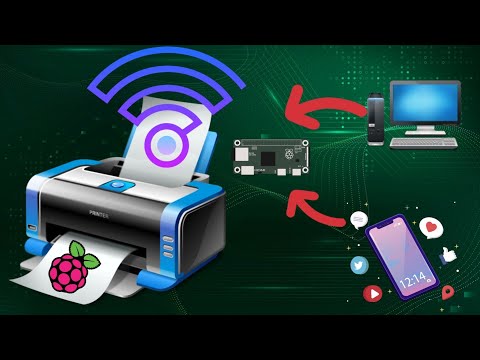
This video tutorial demonstrates how to easily add wireless print capablity to your wired legacy printers using your Raspberry Pi. We hav...


How to add Wireless capability to legacy printers using Raspberry Pi
This video tutorial demonstrates how to easily add wireless print capablity to your wired legacy printers using your Raspberry Pi. We hav...
No comments:
Post a Comment