[HKEY_CURRENT_USER \ Software \ Microsoft \ Windows \ CurrentVersion \ Policies \ Explorer]
"NoInstrumentation"=dword:00000001
The user tracking system built into Windows XP is useless to 99% of users, and it uses up precious resources to boot, so it makes sense to disable this "feature" of Windows XP. To do so,
click on run in Start menu(WinKey+R) and Type Regedit.
Now Browse to
HKEY_CURRENT_USER \ Software \ Microsoft \ Windows \ CurrentVersion \ Policies \ Explorer
and find the DWORD NoInstrumentation.
You may need to create this key if it is not there.
The default setting is 0, but setting it to 1 will disable most of the user tracking features of the system.

Subscribe to:
Post Comments (Atom)
-
Scanned and Confirmed to Be Virus Free Click Here to Download
-
This video tutorial demonstrates how to easily setup your Raspberry Pi as Android TV A big shout out to KonstaKang for providing a modified ...
-
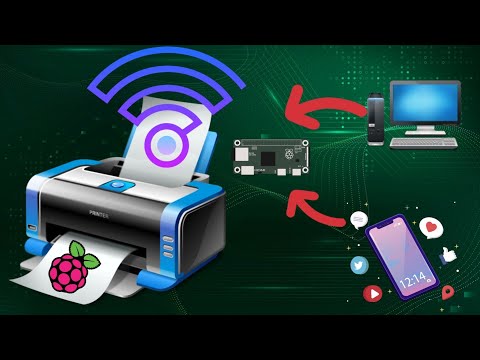
This video tutorial demonstrates how to easily add wireless print capablity to your wired legacy printers using your Raspberry Pi. We hav...


How to add Wireless capability to legacy printers using Raspberry Pi
This video tutorial demonstrates how to easily add wireless print capablity to your wired legacy printers using your Raspberry Pi. We hav...
No comments:
Post a Comment